How do I redesign my Squarespace website?
You redesign a Squarespace website either by restyling the site you have inside Squarespace or by building a new version and moving to it. Which one makes sense starts with your site's version. Squarespace 7.0 sites were built on separate template families, and you can install a different template from the Design panel and preview it before you switch. Every site created on 7.1, the version Squarespace has used for new sites since 2020, shares one underlying template. On 7.1 there's no new template to apply, so you change the look in Site Styles, which controls fonts, colors, buttons, and spacing across the site, and then rework each page's sections by hand in the Fluid Engine editor.
Restyling in place keeps your pages, store, and settings exactly where they are, which is its big advantage. The limit is that new fonts and colors don't change how a page is put together. If your homepage opens with a large banner image and a vague headline, it still will after you change the palette. Squarespace has an update tool that moves a 7.0 site to 7.1, but it only works for sites on a current template with 150 pages or fewer, and some 7.0 pages and features don't carry over, so other older sites that need the newer editor have to be rebuilt.
For a full redesign, most owners end up building a second site. You start a new Squarespace trial or duplicate your site, build the new design there, copy your text and images across page by page, and then move your domain and billing to it. Squarespace's AI site builder, Blueprint, can give you a fresh starting design from a few questions about your business, but it starts a new site rather than reading the one you already have, so the copying is still yours to do. The other route is a Squarespace designer, which saves your time but costs real money and takes weeks.
A good redesign keeps what already works and changes what's holding the site back. Keep the copy your customers respond to, the photos of your actual work and people, your logo and colors, and the page addresses Google has already indexed. Change the layout, how the site behaves on a phone, and how quickly a visitor finds the button to book, call, or buy. A site that only gets a fresh coat of paint still brings in customers at the rate it did before.
Kite gives you another way to do it. It reads the Squarespace site you have now, keeps its content and brand, and rebuilds it in a new design, so you don't start from a blank trial site and you don't copy anything by hand.
How to get started
Start by telling Kite which site you want redesigned and what isn't working about it:
"Our Squarespace site at example.com looks dated and the booking button is hard to find on a phone. Redesign it, but keep our photos, our logo, and our services."
Or give Kite a goal and let it work out what the redesign needs:
"Redesign our website so more visitors request a quote."
Kite is an AI marketer. It researches your business, builds a growth strategy, and ships the work that brings you new customers. By the time you ask for a redesign, it already knows what you sell, who your customers are, who you compete with, and how your current site performs, so it can propose what the new site should lead with and which action each page should point to. Confirm that plan or adjust it, and Kite starts. You can work with Kite in the Kite web app or in Slack.
If you'd like to see the result before you commit to anything, try the free AI website redesign tool. Enter your Squarespace site's address, and in about a minute Kite shows you your homepage redesigned three ways, with your logo, colors, and facts and a clearer headline. It's free and needs no account.
You don't need to give Kite access to your Squarespace account for this job. Kite works from your live, public site, the same pages your visitors see. When the new site is ready, you point your domain at it.
How Kite redesigns a Squarespace site
What does Kite keep from your current site?
Kite starts by reading your live Squarespace site and recording what the new one must keep. It renders each page the way a visitor's browser would and takes screenshots, so it sees the page as it actually looks rather than only its code. It collects the text of every page, extracts your logo, and records your brand colors, fonts, and tone of voice so every design it builds uses them. It also lists every page from your navigation and sitemap, and it counts families of similar pages, such as blog posts, events, or portfolio projects, as one group with the number of pages in it.
Kite treats the facts on your site as fixed. Your prices, opening hours, address, phone number, services, and reviews carry into the new site exactly as they appear now, and your logo is reused as it is. Real photos of your products, your people, and your place come with you. Stock banner images, which many Squarespace sites still carry from the template they started with, are left behind so the new design doesn't inherit them.
What should the redesign change?
Kite decides what the redesign should change before it designs anything. It works out who the site is for, what brings them there, and the one action the site should lead them to, such as booking an appointment, calling, requesting a quote, or buying. Then it decides which sections each page needs and where proof belongs, such as reviews beside the booking button or photos of past work near the top.
This is the step that makes a redesign more than new styling. Many Squarespace homepages open with a full-width photo and a short slogan, so a visitor has to scroll to learn what the business does and where. Kite writes a headline that says what you do and where you do it, and it builds the page around the action you want visitors to take, using your own copy, photos, and reviews.
Choosing between three designs
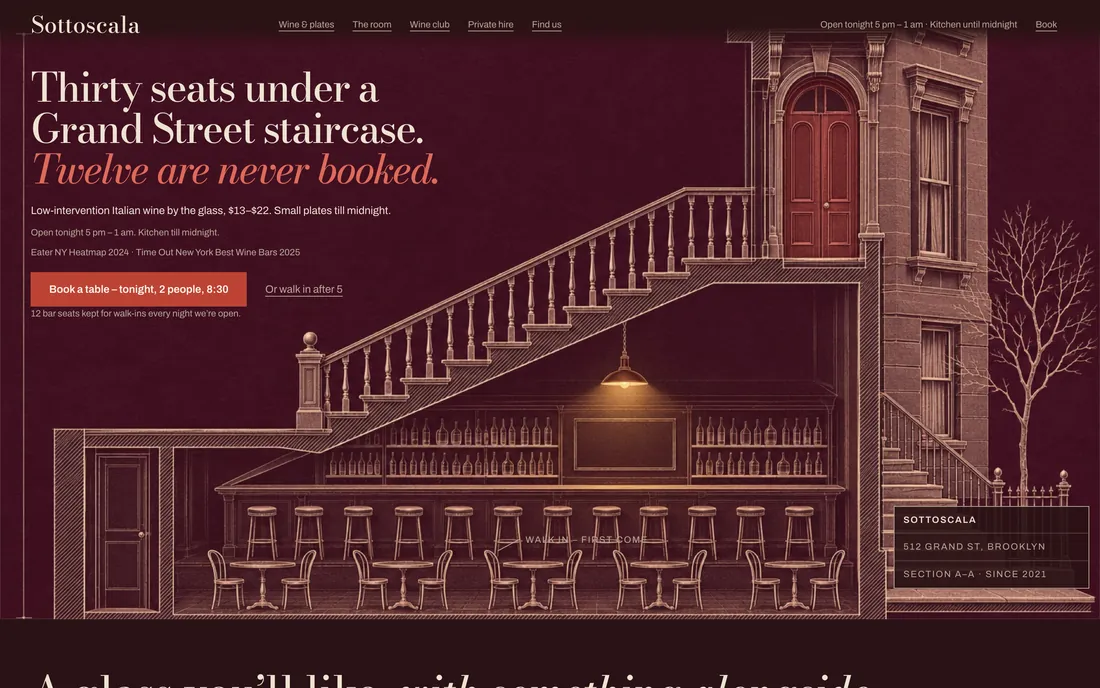
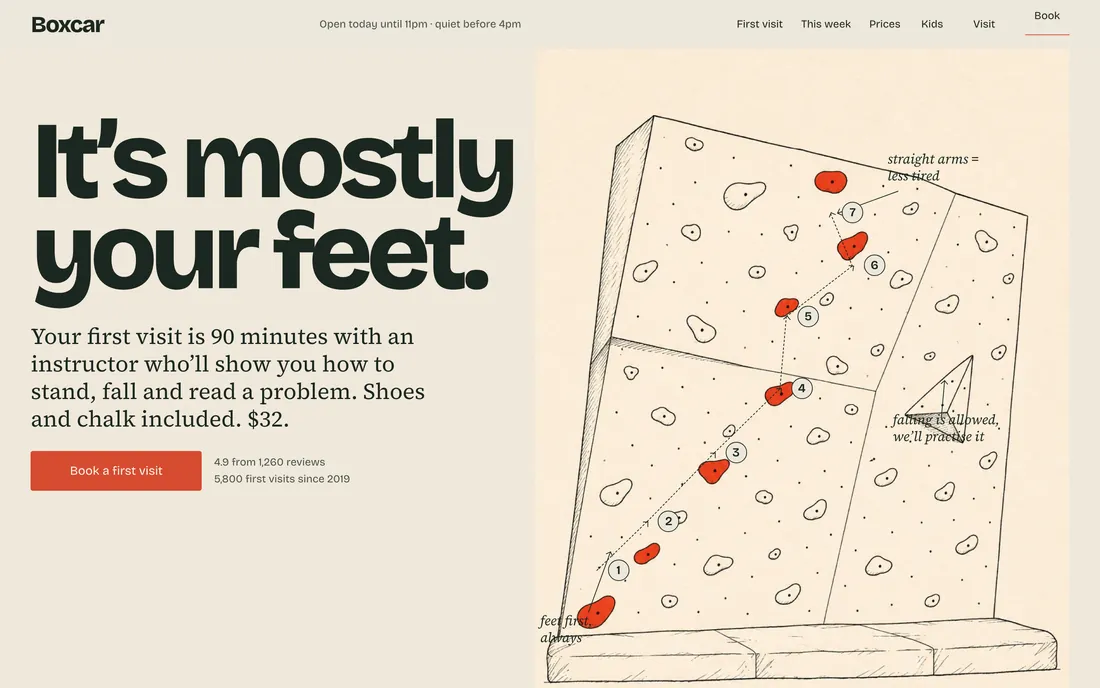
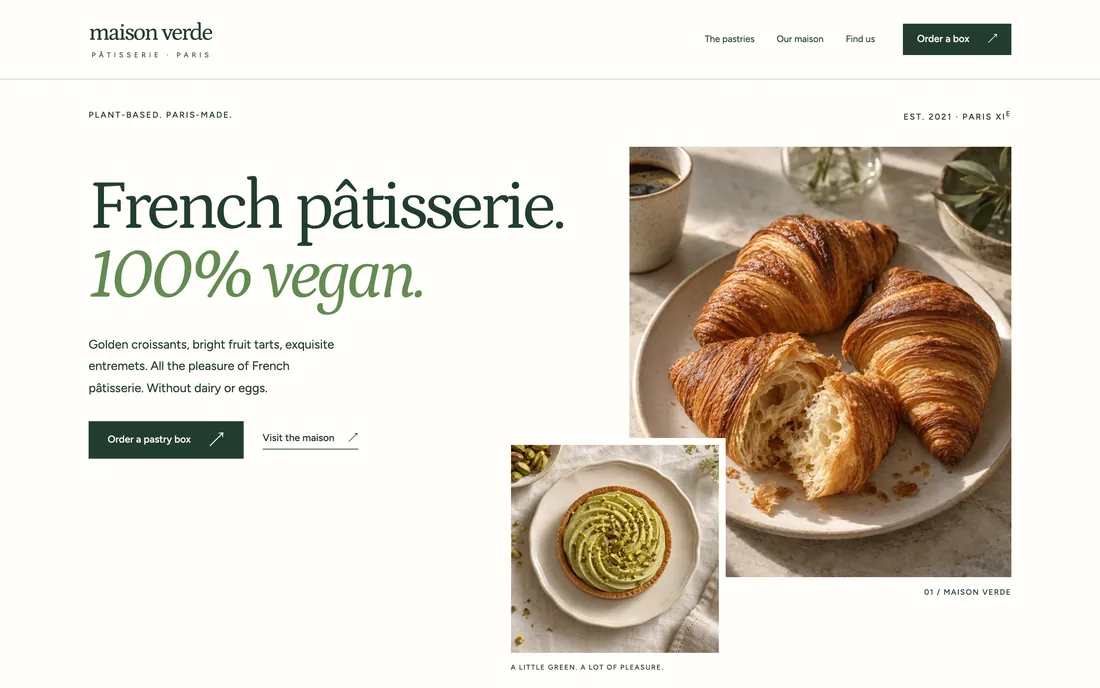
Kite builds three design options, each in a distinct visual style, so you can choose a look before the whole site is built in it. The designs cover your homepage and up to three more pages, chosen from the path a customer takes toward your main call to action, such as your services, pricing, booking, or contact page. If you name the pages you want to see, the designs cover exactly those. A site of four pages or fewer is designed in full.
Every option uses your content, logo, colors, and facts, so you're comparing real versions of your own site rather than template thumbnails. You can pick one as it is, ask for changes to one design, borrow a part of another ("use the header from design 2 in design 1"), or ask for a new round if none of them feel right. If there's a website whose look you admire, you can point Kite at it, and it bases the design on that site's style while keeping your content.
Building every page at its current address
Once you choose a design, Kite builds the rest of your site in it, and every page keeps the address it has on Squarespace. Your About page stays at
/about, and a blog post stays at the address under your blog's page, such as/blog/followed by the post's name. Links from other pages keep their addresses too, so the new site matches what Google has already indexed and what other sites link to.When an address does change, for example because two thin pages are merged into one, Kite sets up a permanent redirect from the old address to the new page. A visitor or search engine asking for the old address lands on the right page instead of an error. This matters because Squarespace's URL Mappings panel only works while your site is hosted on Squarespace. Once your domain points at the new site, the redirects have to live there, and that's where Kite puts them.
Each page also gets a title, a description, a share image, and structured data that search engines and AI answer engines can read. Kite carries over the titles and descriptions you already wrote, and fills them in on any page where nobody did. Every page is laid out to adapt to phones, tablets, and laptops, and Kite rebuilds your contact and quote forms. It can also send form signups to your connected Mailchimp audience with the tags you choose.
Reviewing and publishing the new site
Every page Kite finishes waits on the new site as an unpublished change, and you can preview each one before anything goes live. If you want something changed, reply in the conversation and Kite revises it. Kite asks for your approval before publishing. When you approve, it shows you the list of changes that will ship, publishes them together, and checks that the site displays correctly.
You then point your domain at the new site. If you bought your domain through Squarespace, including a domain that moved there from Google Domains, you can keep it registered at Squarespace and change its DNS records, or transfer it to another registrar. Your Squarespace site stays exactly as it is until you switch the domain, so keep your Squarespace plan until you're happy with the new site. Shortly after the new site goes live, Kite checks its speed, search basics, and structured data, and emails the person who published it if it finds a problem.
After launch
Kite keeps working on the site once it's live, so the redesign is the start of the work rather than the end of it. Its built-in analytics show your visitors, your most visited pages, where traffic comes from, form submissions, and clicks on your calls to action, compared with the previous period. If a page isn't bringing in customers, Kite can propose a change and test it against the current version, then ask you before making the winner permanent. It can also add landing pages, write blog posts, and update copy and images whenever you ask.
What the finished work contains
When Kite finishes, you have a redesigned website that keeps everything your Squarespace site was doing right and is built to bring in more customers.
- The new site Every page you chose to keep, in the design you picked, with your text, real photos, logo, colors, and facts, and each page built to lead visitors to one clear action.
- The same page addresses Each page at the address it had on Squarespace, plus a permanent redirect from any address that changed.
- A layout that fits every screen One design that adapts to phones, tablets, and laptops.
- Search and AI basics A title, description, share image, and structured data on every page, along with a sitemap.
- A content editor A built-in editor where your team can change page text directly, much as you did in Squarespace, with each edit appearing on the live site right away and easy to undo.
- Analytics Traffic and conversion reports for the new site, so you can see whether the redesign brings in more bookings, calls, or sales.
- The conversation with Kite The record of the plan, the three designs, what you chose, and what Kite published.
Common questions
How do I update my Squarespace website without redesigning it?
You update a Squarespace website by opening the page in the editor, clicking Edit, changing the text, images, or sections, and saving. Site-wide changes to fonts, colors, and buttons happen in Site Styles, and they apply to every page at once. That's the right tool for small changes. After Kite rebuilds your site, you make the same kind of change in Kite's content editor, or you tell Kite what you want changed and it does the work.
Should I refresh my Squarespace site or start a new one?
Refresh in place when your site is on 7.1, looks right on a phone, and mostly needs new fonts, colors, and copy. Start a new site when it's on 7.0, when every page follows the same tired layout, or when visitors can't quickly find how to book or buy, because new styling won't change how the pages are built. A rebuild from your live site keeps your content and addresses, so starting fresh doesn't mean starting from nothing.
Will my site still run on Squarespace after Kite redesigns it?
No. Kite rebuilds your site as a new website that it hosts, so it no longer runs on Squarespace. Kite provides the hosting and the content editor, and every site it builds gets its own GitHub repository, which can live in your own GitHub organization, so the code is yours. Features that run inside Squarespace, such as Squarespace Commerce checkout, Member Areas, and Email Campaigns, don't move with the pages. Decide where those will live before you switch your domain, and Kite builds the new site's buttons and pages around that choice.
How much does a Squarespace redesign cost?
A Squarespace designer usually quotes from several hundred to several thousand dollars, depending on how many pages they rebuild and whether they write new copy. With Kite, the three-design preview is free, and the build runs on Kite's free plan, which covers your first $50 of work. Putting the site live on your own domain, with Kite continuing to work on it, is part of the Growth plan at $100 a month.
Is Squarespace still a good choice in 2026?
Squarespace is still a good choice if you want to edit every page yourself and use its built-in store, scheduling, and email tools in one place. Its trade-off is the time it takes: every new page, layout change, and redesign is work you do in the editor. If you'd rather describe what you want and have it built, an AI marketer like Kite handles that work and keeps improving the site after launch.