

Desktop
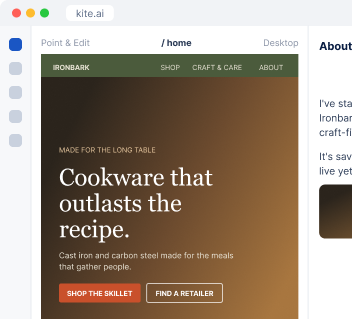
Work directly on Kite.ai.
I build a ranked list of companies and contacts that match your best customers, with the event that makes each one worth contacting this week.
Find restaurant groups that would buy our cookware for their kitchens.
 Kite
I matched companies to your customer profile, found the person who buys kitchen equipment at each one, and scored the fit.
| Company | Contact | Why now | Fit |
|---|---|---|---|
| A restaurant group | Head of operations | Announced a new location | 5 of 5 |
| A hotel group | Executive chef | Hiring kitchen staff | 4 of 5 |
| A cooking school | Founder | Raised a seed round | 4 of 5 |
I start from your customer profile and find companies by industry, size, location, funding and the tools they use.
Names, current roles, verified work emails and LinkedIn profiles for the people your offer is for.
Funding rounds, new leaders and hiring pushes, each with its date and a link to the source.
I search Reddit, X, Hacker News and the open web for people describing the problem you solve.
Ironbark Cookware is an example business.
 Apollo
 Crustdata
 PredictLeads
Company, contact and signal data come from seven data providers built into Kite, including Apollo, Crustdata and PredictLeads, so you start without accounts of your own.
My data providers are built in, so I start right away. Connect your CRM to leave out existing customers and save the list there.



A campaign goal is enough. I propose the audience and the criteria, and you adjust them.
The strongest leads come first, each with contact details and the reason it made the cut.
At your desk? Open Kite.ai. Away from your laptop? Use Kite in your phone browser. Prefer to work in Slack? Kite works there too.
Desktop
Work directly on Kite.ai.
Phone browser
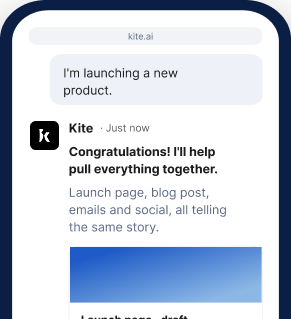
Keep work moving on the go.
Slack
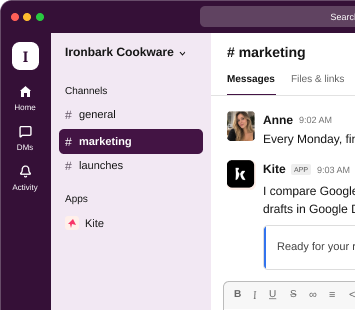
Bring Kite into your team's conversations.
Start your 7-day free trial and get your first lead list.
Get started freeNo. Apollo is part of the data built into Kite, along with Crustdata and PredictLeads.
Yes. I assess the companies and people on it, fill in the missing details and score each one against your customer profile.
Yes. Tell me how many companies or contacts you want, and I build the list around that number, strongest leads first.
I give you the shorter list and say which filters held it back, so every account on it is worth your time.
Yes. You can work with me at kite.ai in your browser, on desktop or phone, or in any channel of your own Slack.