How do you turn a Claude HTML design into a live website?
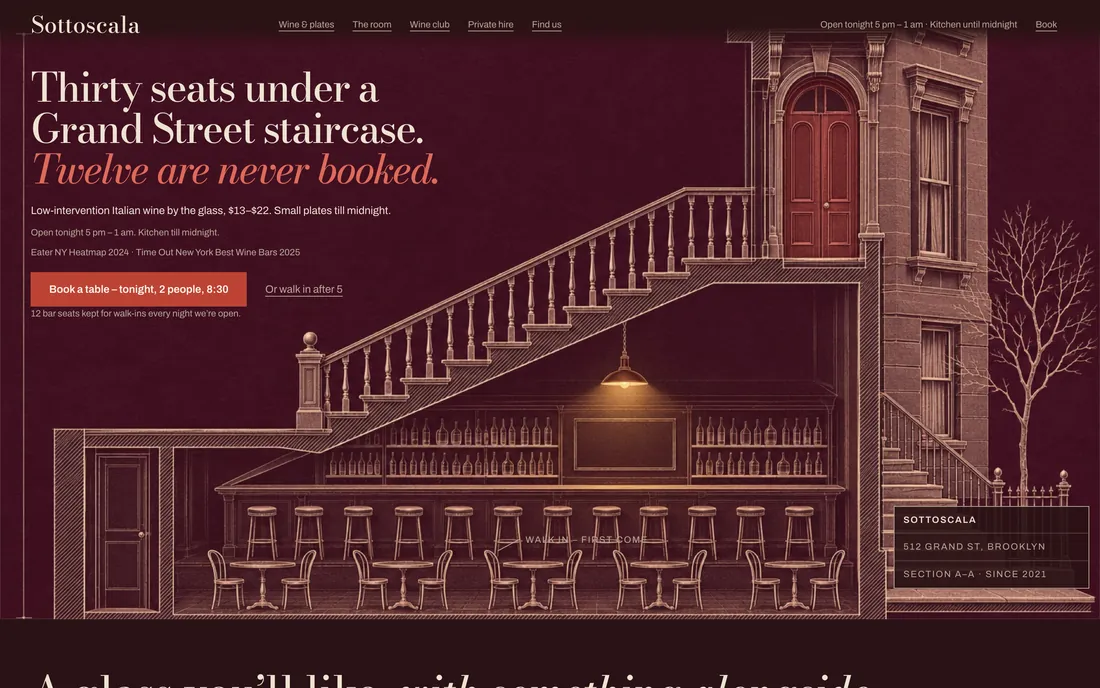
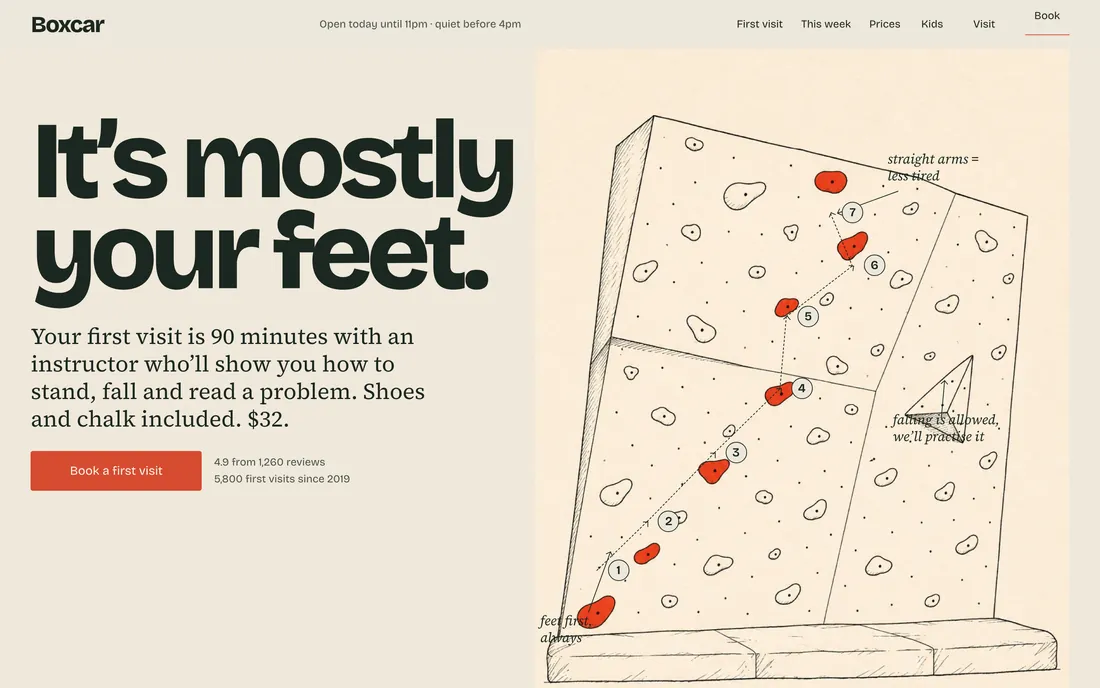
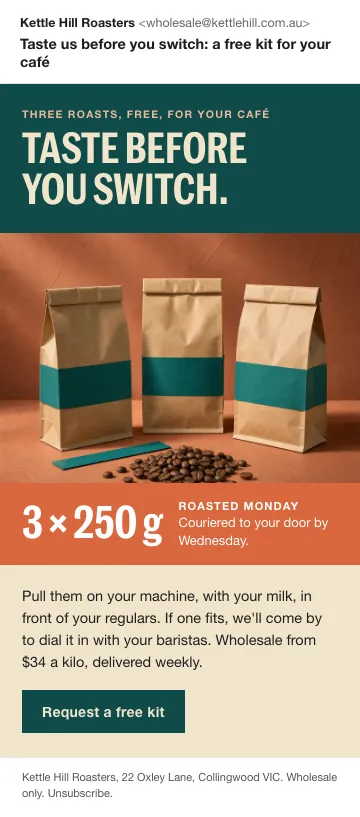
You turn an AI-made design into a live website by rebuilding it on a platform that can host it on your domain and let you edit it, then checking the result against the original. AI design tools have made the first half of website work easy. In a few minutes, Claude, Google Stitch, Figma Make, or a tool like Lovable can produce a homepage that looks better than the one you have. The hard part starts when you try to put it somewhere people can find it.
The trouble is that a design isn't a website yet. A live website needs a host and your domain. It needs a layout that works on a phone, contact forms that actually deliver messages, page titles and descriptions for search engines, and pages behind every link in the menu. Most of all, it needs a way for you to change a price or a headline next month without starting over.
People usually try one of three routes:
- Upload the file as it is. A static host such as Netlify, Cloudflare Pages, or GitHub Pages will publish an HTML file exactly as Claude wrote it, often for free. The page looks identical, but every later change means editing code or asking the AI again and uploading a new file, and the contact form does nothing until you wire it to a form service.
- Rebuild it in a website builder. This is where most designs get mangled. WordPress, Wix, Squarespace, and Webflow don't run your page's code. They rebuild the page from their own blocks and theme, so fonts, spacing, and sections shift. Paste the HTML into a WordPress Custom HTML block and the theme's styles fight with the design's, and the content can no longer be edited like a normal page.
- Hand it to a developer or an AI coding tool. Turning the prototype into a proper code project works, but it leaves you owning that code, its hosting, and its upkeep.
Each route trades away either the look or your ability to edit the site. The way to keep both is to rebuild the design once, carefully, on a platform that hosts the site and gives you an editor, and then compare the rebuild with your prototype before it goes live. That rebuild is slow, careful work for a person, but an AI agent can do it well, because it can read every measurement in the design and check its own work against the original.
Kite is an AI marketer. It researches your business, builds a growth strategy, and ships the work that brings you new customers. You can work with Kite in your browser or in Slack. Turning a prototype into a live site is a job Kite takes from your design all the way to a website running on your domain, and it keeps working on the site after launch. Here's how it works.
How Kite turns an AI-made design into a live website
Kite starts with the design you already have. Share a published link, a screenshot, a PDF, a Figma file, or the GitHub repository your AI tool created. Kite opens the design, writes down what makes it look the way it does, and uses that record as the plan for the new site.
Kite then builds the site, keeping your design's look and replacing any placeholder text with your real business details. It publishes the site at a temporary Kite address, hidden from search engines if you gave Kite your current website at sign-up, so you can open your prototype and the rebuild side by side and ask for changes.
When the site matches, you connect your domain and Kite checks that the site loads there correctly. From then on, Kite hosts the site, and you or Kite can change it whenever you need to.
Share the design you already have
Kite can start from whatever your AI tool gives you. A published link is the best starting point, because Kite opens the page in a real browser and sees exactly what a visitor would see, at desktop and phone sizes. Most AI design tools can publish a shareable link, and a Claude artifact or a Lovable, Bolt, or v0 preview works the same way as any public web page.
If your tool only gave you a file, share what Kite can read in the conversation. A screenshot or an exported PDF of each page shows Kite the look you want. If the design lives in Figma, which is where Google Stitch and many designers send their work, connect Figma and point Kite at the file. If an AI coding tool such as Claude Code or Lovable saved the site to GitHub, Kite can work from that repository instead, as the last section below explains.
Kite also brings what it already knows about your business. During sign-up, Kite researches your company and records your products, pricing, customers, brand colors, fonts, and logo. That matters here, because AI prototypes are often full of stand-ins, such as a company called "Acme," three made-up testimonials, and a phone number of 555-0100.
Playbooks for this step
- How to turn a Figma design into a live websiteBuild a working, hosted site from a design you or a tool like Google Stitch made in Figma. Useful when your design lives in a Figma file rather than at a link.Coming soon
Rebuild the design as a real website
Kite rebuilds your prototype as a real, multi-page website instead of copying a single file. It starts by writing a description of your design's look: the layout and rhythm of each section, the fonts and sizes used for each kind of text, the colors and backgrounds, the style of images and icons, and how the page rearranges itself on a phone. That written record becomes the visual plan every page of the new site follows, so a pricing page Kite adds later looks like it belongs with the homepage your AI tool designed.
Next, Kite fills the design with your real content. Your prototype's headline and copy carry over when they're yours. Placeholder names, fake testimonials, and sample prices are replaced with facts from Kite's research on your business. When Kite doesn't know a fact, such as your opening hours, it asks you rather than inventing one. Your logo is used exactly as it is, never redrawn.
Kite also builds what the prototype only pretended to have. A one-page design often has menu links to About, Services, and Contact that lead nowhere. Kite decides which pages the site needs and how visitors should move toward the action you care about, such as booking a call or requesting a quote, and builds those pages in the same style. Every page gets a layout for phones, working forms, and a title, description, share image, and structured data for search engines. Kite also serves images at smaller sizes for phones, so the site loads quickly.
Every new site Kite builds comes with a built-in content editor. That's the piece a plain HTML file can never give you, and it's what lets the site keep up with your business.
Compare the rebuild with your prototype before it goes live
You see the whole site before anyone else does. Kite publishes it at a temporary Kite address, hidden from search engines if you gave Kite your current website at sign-up, and sends you the link. Open your prototype in one window and the new site in another, and compare them page by page on your laptop and your phone.
Tell Kite what to change in plain language. You might say, "The hero headline was bigger in my design," or "Put the testimonials back above the pricing table." Kite makes the change and shows you the result. Each change waits as an unpublished change that you can preview first, and you can undo any single change without losing the ones after it.
Kite checks its own work too. After it publishes, it checks that every page of the site is there and displays correctly. Shortly after each publish, it checks the site's speed, search basics, and structured data, and emails you if it finds a problem.
Put the site on your domain
Your domain is the last step, and it only means pointing your domain at the new site. You start from the site's domain settings in Kite. A guided setup can sign in to the company that manages your domain, such as GoDaddy, Namecheap, or Cloudflare, and add the records for you, or it shows you exactly which records to add yourself. If you don't have a domain yet, you can search for one and buy it through Kite.
Kite connects both versions of your address, such as
yourbusiness.comandwww.yourbusiness.com, makes one of them the main address, and confirms the site loads over a secure connection. It then points the site's links and sitemap at your domain, and the temporary Kite address starts redirecting there. Connecting your own domain is part of Kite's paid plans.Keep changing the site without going back to the AI tool
A live website changes every month, and this is where a prototype on a static host usually falls apart. On a site Kite hosts, you can change page text yourself in the built-in content editor, and your edit goes live right away. For anything bigger, ask Kite. You might say, "Add a page for our new catering menu," or "Swap the hero photo for one of our team."
Kite can add, rewrite, redesign, move, or remove pages and sections. It can suggest ideas for new pages that fit your site and build a chosen idea from the site's existing sections, so the new page matches the design you started with. It also tracks visitors, form submissions, and clicks on your calls to action with its built-in analytics, and it uses those results to suggest what to improve next.
Kite asks for your approval before it publishes changes to your live site. Once you trust its work, you can let it publish more on its own.
If your prototype is already code
If an AI coding tool built your prototype as a real project, you can keep that code. Push it to a GitHub repository, connect GitHub, and ask Kite to import it. The import checks whether Kite can work with the project and tells you why if it can't. From there, your repository and your own hosting, such as Vercel or Netlify, stay in charge. Kite merges its changes into your main branch, and your hosting publishes them. If you protect that branch, Kite opens a pull request instead, and the change waits until you merge it.
This route suits a team with a developer who wants the code to stay theirs. If nobody on your team wants to look after code or hosting, ask Kite to rebuild the prototype as a site it hosts instead, as described above. Every site Kite builds also gets its own GitHub repository, and you can ask Kite to export the code at any time.
What you get
- A record of your design's look A written description of your prototype's layout, type, colors, spacing, and phone behavior, which every page of the site follows, including pages added later.
- A complete website built from your design Every page the site needs in your prototype's style, with your real business details, layouts for phones, working forms, and search basics on every page.
- A review copy before launch The whole site at a temporary Kite address, hidden from search engines if you gave Kite your current website at sign-up, so you can compare it with your prototype and ask for changes.
- The site on your domain Both versions of your address loading the site securely, with its links and sitemap pointing at your domain.
- A site you can keep changing A built-in content editor for quick text changes, Kite for bigger ones, and built-in analytics that show what visitors do.
How to get started
Sign up for Kite, then share your design and tell Kite what you want. You might say, "Here's the homepage I made in Claude. Turn it into a real website for my bakery," or "Build our site from this Stitch design and add a page for wholesale orders." Paste the link to your published design, or attach screenshots or a PDF of each page.
Kite asks only about what it can't find in its research on your business, such as which action matters most on the site or facts that aren't public yet. Then it builds the site and sends you the review link. If your design is in Figma, connect your Figma account first. If your prototype is a code project you want to keep, connect GitHub and name the repository.
You can review the site and ask for changes on Kite's free plan. When you're ready to go live, a paid plan lets you connect your domain, and Kite asks for your approval before anything is published to it.
Integrations used to turn an AI-made design into a live website
Kite brings its own website builder, hosting, image tools, and analytics, so a published link or a screenshot is all it needs to build your site. Connect Figma or GitHub when your design or code already lives there.
Bring in a design from Figma
Common questions
How do I import AI-generated HTML into WordPress?
There's no clean import. WordPress builds pages from its own blocks and your theme, so you have three options. You can paste the HTML into a Custom HTML block, where your theme's styles often clash with the design and the content can no longer be edited like a normal page. You can rebuild the design by hand in the block editor or a page builder such as Elementor. Or a developer can turn the design into a custom WordPress theme. Kite doesn't convert designs into WordPress themes. If you're on WordPress only because it seemed like the default place to put a website, having Kite rebuild and host the design usually gets you the look you made and an editor that's simpler to use. You built your site with Lovable, Bolt or Base44: how to keep it editable and running Coming soon covers the trade-offs in more detail.
Will the live site look exactly like my prototype?
It will look like your design, with a few deliberate differences. Kite rebuilds the design from a careful record of its layout, type, and colors, and you compare the two side by side before launch and ask for anything that's off. The differences usually come from turning a mockup into a working site: real text that's longer or shorter than the placeholder, a phone layout your prototype never had, and pages your prototype only linked to.
Can I just host the HTML file Claude gave me for free?
Yes. Static hosts such as Netlify, Cloudflare Pages, and GitHub Pages will publish a single HTML file at no cost, and some let you connect your own domain. That works well for a page you'll rarely change. It gets harder once the site needs regular updates, more pages, or a contact form that delivers messages, because each change means editing the code or regenerating the file. Kite's free plan covers building the site and reviewing it at a Kite address, and its paid plans add your own domain.
What's the difference between a prototype and a website?
A prototype shows what a website should look like, and a website is the working thing on your domain. The prototype is usually one page with sample content. The website has every page its menu links to, real details about your business, layouts for every screen size, forms that deliver messages, search-engine basics, hosting, and a way to update it. Most of the work in turning one into the other is in that list, not in the look.
Should I rebuild my whole site with Claude Code instead?
You can, and it works well for people comfortable owning code. Claude Code can rebuild a site with great control over every detail, but you then look after the code, the hosting, and every later change yourself. Should you rebuild your website with Claude Code or another AI coding tool? Coming soon walks through that choice. If you'd rather keep the design and hand off the upkeep, Kite rebuilds the site, hosts it, and keeps it current.
My old site was hand-coded too. Can Kite make it editable?
Yes. Kite reads the pages of your live site and rebuilds it on a site it hosts, with the built-in content editor, so you can change text without a developer. Turn a hand-coded HTML site into one you can edit without a developer Coming soon explains that route.