

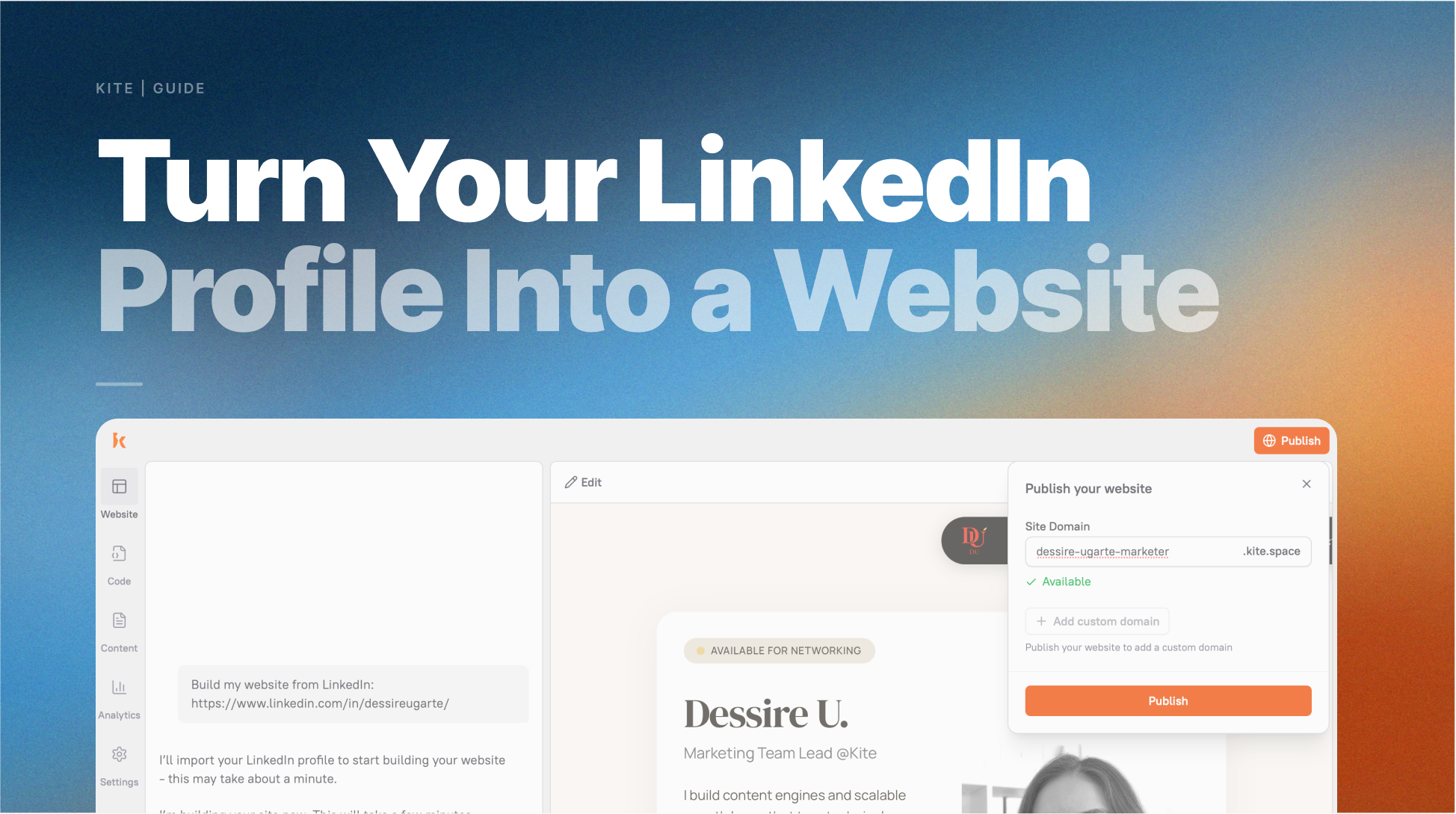
Most people don’t start freelancing for one simple reason: they don’t have a website. Not because they lack skills, and not because there aren’t clients, but because they feel like they need something “ready” before they can begin. They tell themselves they’ll start once they have a portfolio, or once their website is live. And then weeks pass, nothing gets shipped, and freelancing stays an idea instead of becoming real.
Here’s what most people miss: you already have everything you need to get started. It’s sitting in your LinkedIn profile.
Why your LinkedIn Profile Is Enough to Start Freelancing
Think about what a client actually needs to see before they decide to hire a freelancer. They want to know what you do and who you help. They want proof you’ve done it before. They want to see the kinds of companies or projects you’ve been involved with. And they need a way to contact you.
Your LinkedIn profile answers all of that, it just doesn’t look like a website yet.
Every section maps directly to something a freelance portfolio site needs:
- Your name, headline, and photo: the hero section that’s the first thing a client sees
- Your skills: the services section that tells clients what you offer
- Your work history: the experience section that proves you’ve done this before
- The companies and projects you’ve worked with: context that can help you decide what proof to include
- Your LinkedIn Featured section: portfolio items, case studies, work samples
Your profile is useful starting context, not a finished website. LinkedIn organizes your background as a social profile. Kite can help turn the relevant parts into a website brief that supports your freelance marketing goal.
How to Turn Your LinkedIn Profile Into a Freelance Website
Step 1: Make sure your LinkedIn profile is set to public
Before you start, make sure your LinkedIn profile is public so you can share the relevant context with Kite.
Check these settings in LinkedIn:
- Go to your LinkedIn profile
- Click “Edit public profile & URL” in the top right
- Under “Edit Visibility,” make sure “Your profile’s public visibility” is toggled On
- Confirm that Photo, Headline, About, Experience, and Skills are all set to visible
Step 2: Share your LinkedIn URL with Kite
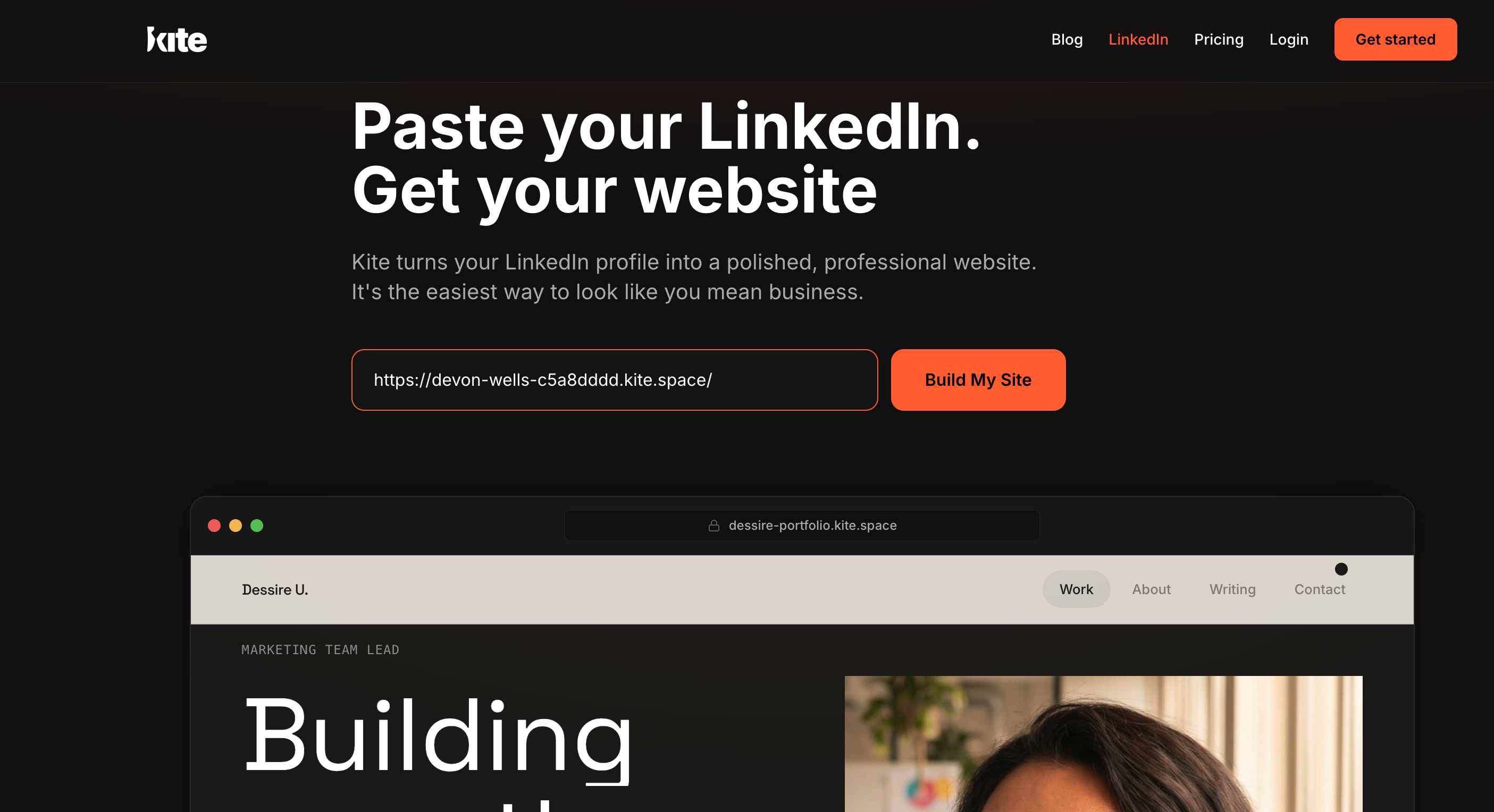
Go to kite.ai/linkedin and paste your public LinkedIn profile URL when prompted. Kite carries that context into the AI-marketer journey, where you can describe the freelance offer and website work you need.
Step 3: Discuss a website direction
Use the profile context to discuss the message, structure, and visual direction that best explain your freelance offer to the right clients.
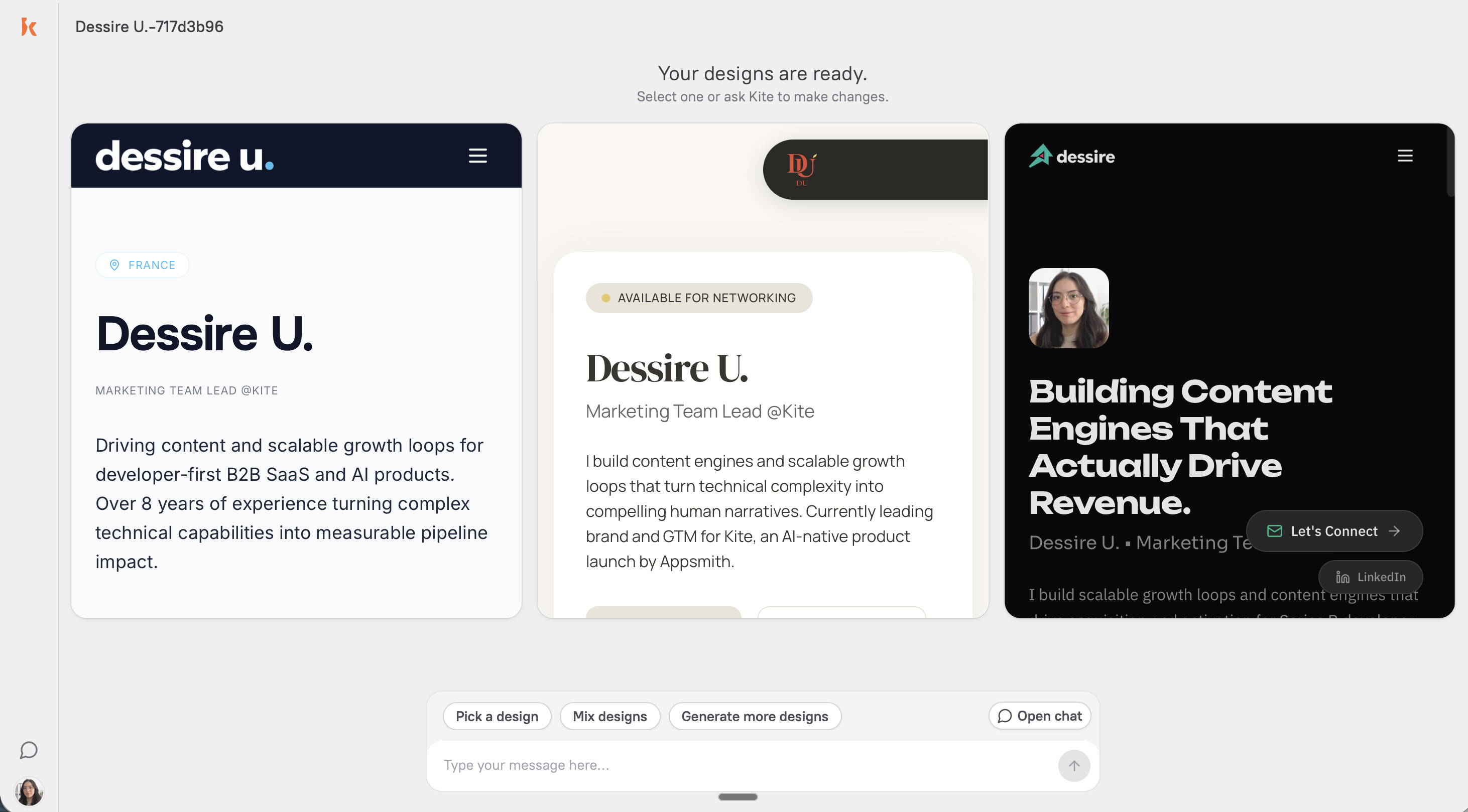
Keep the direction focused on the people you want to reach and the next action you want them to take.
You can be specific, from “make the offer clearer for B2B clients” to “use a more editorial visual direction.” Kite uses your feedback to prepare website work for review.
A few things to consider:
- Match your work type. Visual creatives benefit from image-forward layouts; writers and consultants often convert better with text-forward designs.
- Consider your target client. Go with the layout that looks like what your ideal client would expect from someone they’re about to hire.
- Trust your gut. Which one would you send to a client right now without apologizing for it?
Step 4: Review website work with Kite
Kite can prepare updates through conversation. Tell Kite what needs to change and why it matters to the marketing goal:
- “Make the headline shorter and more direct”
- “Add a section for my freelance rates”
- “Change the color scheme to something darker and more minimal”
- “Rewrite the services section to focus on B2B clients”
- “Add a contact form that asks for name, email, and a brief project description”
- “The About section is too formal — make it more conversational”
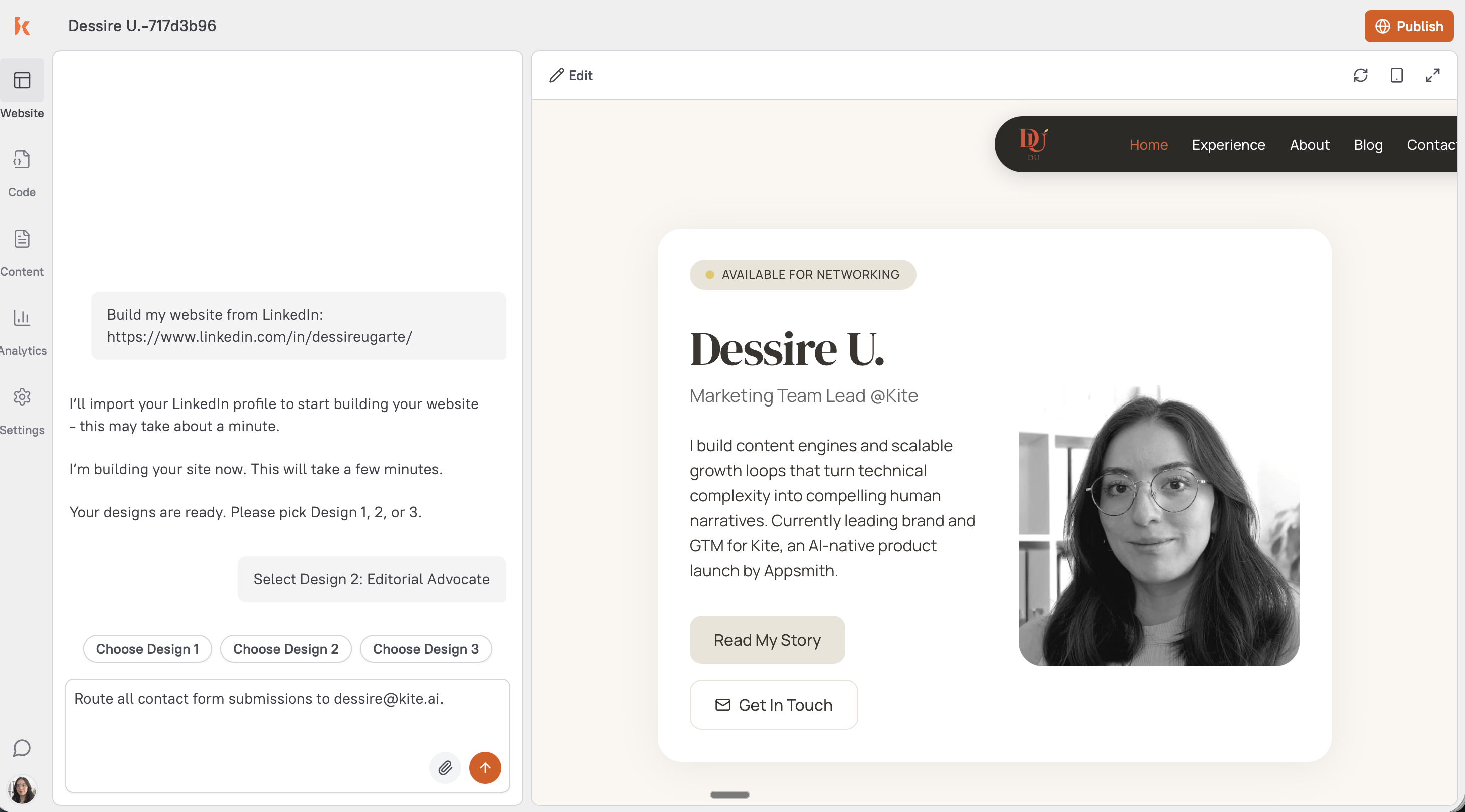 Kite brings the proposed website work back to Slack for review.
Three things worth prioritizing:
- Headline: make sure it says what you do and who you help, not just your job title. “UX designer for early-stage SaaS startups” is clearer than “Senior UX Designer.”
- Services section: refine from a broad skills list into 3–4 specific services with a sentence each.
- Contact path: make sure a client who wants to hire you knows exactly what to do next.
Step 5: Decide what to publish
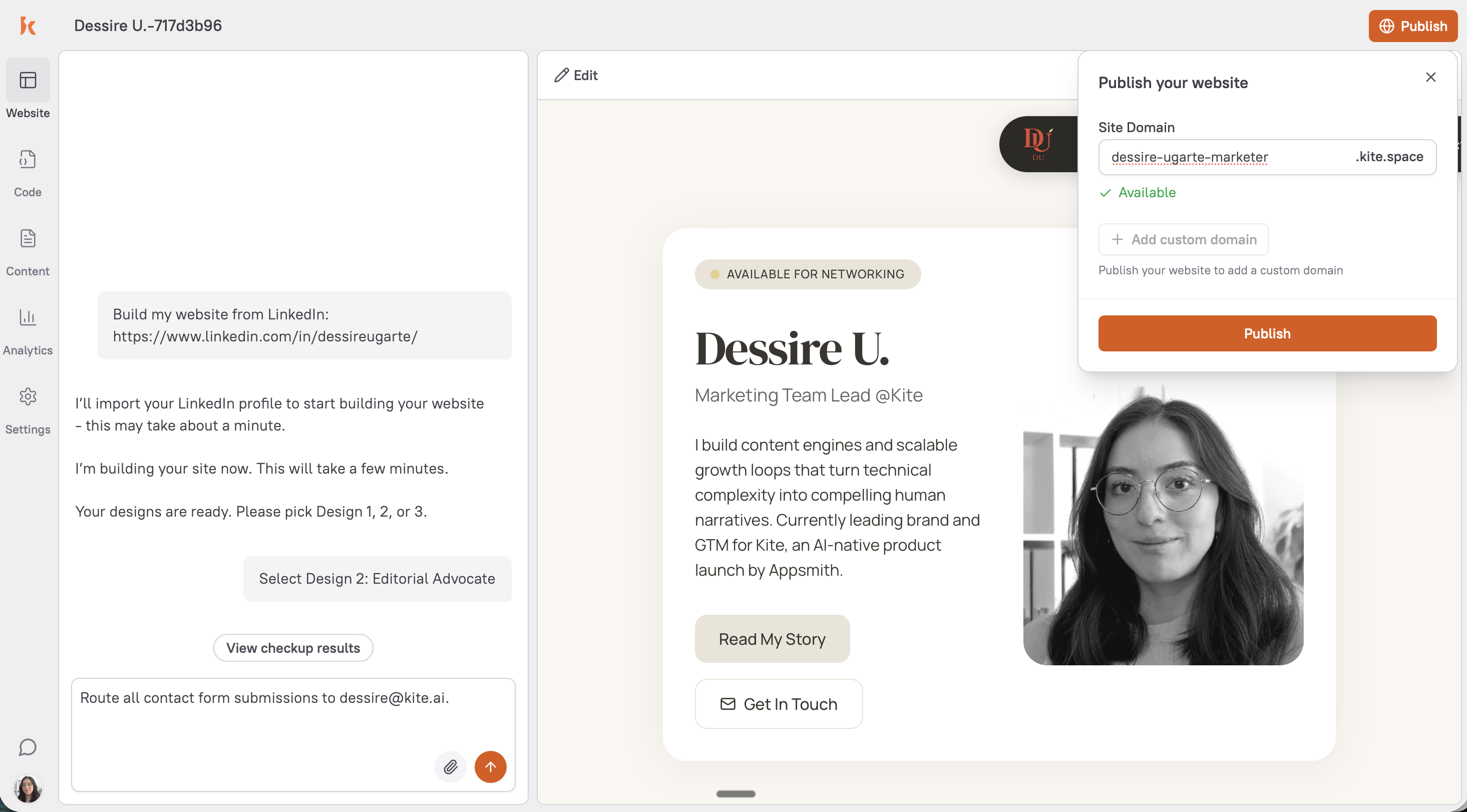
Review the proposed website work in Slack before any publishing decision. What Kite can do with an existing site or domain depends on your team's setup and approvals.
Do these three things the moment your site goes live:
- Add your new URL to the website field on your LinkedIn profile
- Add it to your email signature
- Post on LinkedIn that you’re now available for freelance work, link to your site, two sentences on what you offer and who you want to work with (You can also ask Kite to write the post for you 🤘)
Use the website as part of your marketing plan
A freelance website works best when it clearly explains your offer, the audience you serve, and the next step. Kite can help connect that website work to the wider marketing plan.
You can ask Kite to help prioritize the next marketing task, whether that is refining the website message, preparing a campaign page, or researching the audience.
Keep the final decision with your team. Kite can work only within the tools you connect and the approvals you give.
The LinkedIn profile is a useful starting point, not a substitute for a clear marketing plan.
Frequently Asked Questions
A public LinkedIn profile can give Kite context for a website-building project. Start with the marketing goal and the website you need. Kite can prepare work for review in Slack before your team makes a publishing decision.