

Desktop
Work directly on Kite.ai.
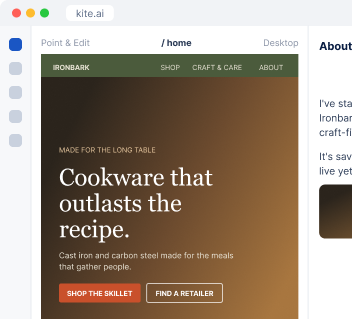
I draft the week's posts for LinkedIn, Instagram and Facebook, make the images in your brand, and publish each one on its day after you approve.
Draft this week's posts. The 12-inch skillet is back in stock, and we ran a seasoning class on Saturday.
 Kite
Here's the week: one idea per post, written for each channel, with images in your colors and fonts.
| Day | Channel | Post | Visual |
|---|---|---|---|
| Mon | The 12-inch skillet is back | Product photo | |
| Wed | What a seasoning class taught us about our customers | Carousel | |
| Fri | Saturday’s class, in pictures | Photo set |
I start from what happened: a launch, a new article, a customer win, an event or a restock.
One idea per post, shaped for LinkedIn, Instagram or Facebook, in your brand voice or your founder’s.
Branded images, carousels and short vertical videos with your real logo, colors and fonts.
Approved posts go out on their days, and I read how each one did to plan next week.
Ironbark Cookware is an example business.
Once your posts are live, I read the views, reach, likes and comments on each one from your connected accounts, and use them to plan the next week.
Connect your LinkedIn page, Instagram and Facebook Page, and I publish the posts you approve.

Share what's happening, or I find it in your site, launches and news.
Every post shows its channel, day, text and image. Edit what you like, and each one goes out on its day.
At your desk? Open Kite.ai. Away from your laptop? Use Kite in your phone browser. Prefer to work in Slack? Kite works there too.
Desktop
Work directly on Kite.ai.
Phone browser
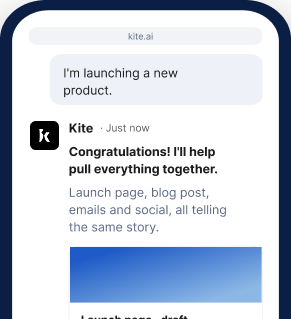
Keep work moving on the go.
Slack
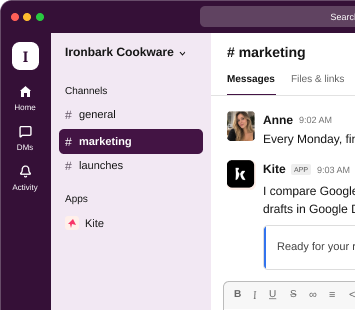
Bring Kite into your team's conversations.
Start your 7-day free trial and get your first week of posts.
Get started freeEach post goes out after you approve it. You can edit the text, swap the image or move the day first.
Yes. I draft LinkedIn posts in a person's own voice, built from their own stories, numbers and opinions.
Yes. I build a set of post templates, each with the material it needs and an example in your voice, so anyone on your team can write an on-brand post.
Yes. I use your real logo, colors and fonts, and I keep every correction you make as a rule for the next image.
Yes. You can work with me at kite.ai in your browser, on desktop or phone, or in any channel of your own Slack.