

Desktop
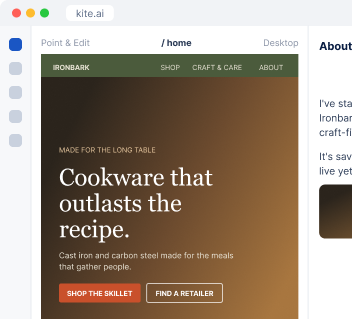
Work directly on Kite.ai.
I build the free guide, tool or webinar your buyers want, promote it, and follow up with every signup that fits your customer profile.
We need something that brings in restaurant owners.
 Kite
Here are three ideas built on what your buyers ask before they buy. I recommend the first one.
| Idea | Format | Why it fits |
|---|---|---|
| Kitchen cookware cost calculator | Free tool | Buyers ask about cost per kitchen |
| Cast iron care checklist for line cooks | Checklist | Your support team answers this often |
| Opening a new kitchen: the gear list | Guide | Fits buyers opening locations |
A guide, checklist, template or calculator in your brand, behind a short form on its own landing page.
Invitations, reminders and posts, then a different follow-up for the people who attended and the ones who missed it.
I pick the conferences your buyers attend, book meetings before the event and follow up within days.
I spot customers who just had a good moment with you and draft a personal ask from your address.
Ironbark Cookware is an example business.
 Google Analytics
 HubSpot
I connect the form to your email list and measure how many signups fit your customer profile, so you know which offer brings in the right people.
Connect your email tool, CRM and site. On a Kite site, I publish the landing page directly.
T
Tell me who you want to reach, or I propose the offer from what your buyers ask.
You get the resource, the landing page and the follow-up emails to review. The page goes live when you approve it.
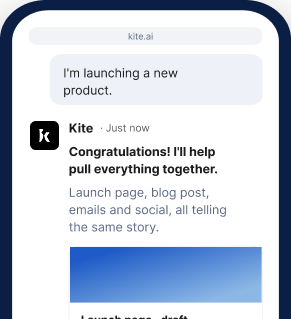
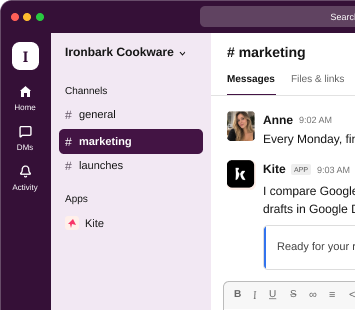
At your desk? Open Kite.ai. Away from your laptop? Use Kite in your phone browser. Prefer to work in Slack? Kite works there too.
Desktop
Work directly on Kite.ai.
Phone browser
Keep work moving on the go.
Slack
Bring Kite into your team's conversations.
Start your 7-day free trial and get your first lead magnet ideas.
Get started freeAs few as it takes to deliver the resource and follow up, which is usually a name and an email address.
You host the session on your own platform, such as Zoom. I build the registration page, promote it and handle the follow-up.
Partly. Most organizers keep attendee lists private, so I work from what's public: speakers, sponsors, exhibitors and the people posting about the event.
It comes from your address and reads like a note from you, because I write it from your real history with that customer.
Yes. You can work with me at kite.ai in your browser, on desktop or phone, or in any channel of your own Slack.