

Desktop
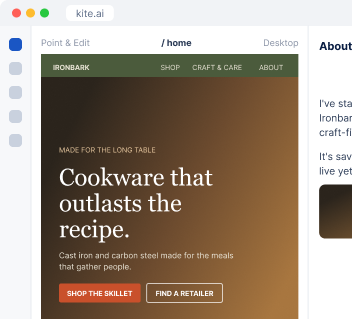
Work directly on Kite.ai.
I find the wins in your calls and Slack threads, draft each case study from the customer's own words, and write the approval email for you to send.
We have no case studies yet. Which customers should we feature?
 Kite
I went through your recorded calls and the #wins channel. These customers described a real result, and here is where each one said it.
| Customer | What they said | Where |
|---|---|---|
| A restaurant group | Every kitchen now cooks on the same skillet | Sales call |
| A cooking school | Students practice on the pans they buy after | Slack #wins |
| A food truck | Still cooking on its first wok | Support email |
I look through your calls, Slack threads and client reports for customers describing a specific result.
The customer is the main character, every claim is tied to its source, and anything inferred is marked.
I write the email asking the customer to approve, listing each quote and figure they need to check.
Once approved, I publish it on your site and turn it into posts, emails and proof for your landing pages.
Ironbark Cookware is an example business.
 Fathom
 Slack
I read your recorded calls in Fathom and the threads where your team shares wins in Slack. You can also paste a transcript or client report straight into the conversation.
Connect Fathom and Slack so I can find the wins, and your site so I can publish the approved story.
 W
Name a customer, share a call, or ask me to find the candidates.
You get the draft and the customer approval email together. I publish once the customer says yes.
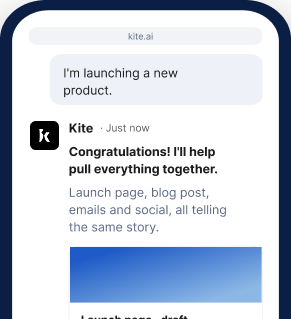
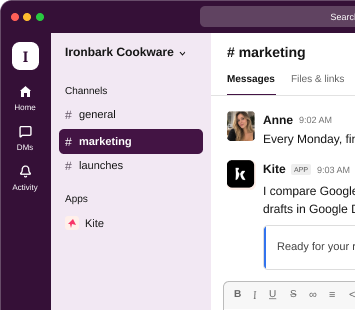
At your desk? Open Kite.ai. Away from your laptop? Use Kite in your phone browser. Prefer to work in Slack? Kite works there too.
Desktop
Work directly on Kite.ai.
Phone browser
Keep work moving on the go.
Slack
Bring Kite into your team's conversations.
Start your 7-day free trial and get your first case study candidates.
Get started freeI write an anonymized version that describes them by industry, size or role, so you can still use the win.
I start from what the customer already said in calls and threads, which often covers most of the story. When something is missing, I write the few questions worth asking them.
Who the customer is, what they were trying to do, what stood in the way, why they chose you, what changed, and a quote in their own words.
Yes. I turn the monthly reports you send clients into case studies about the results you delivered, with a separate Kite team for each client.
Yes. You can work with me at kite.ai in your browser, on desktop or phone, or in any channel of your own Slack.